

Connect people, events and businesses with one scan.
Digital business cards, event check-in, and QR codes you print once and change any time.
Your success is our success
Trusted by
N2X Cards Available
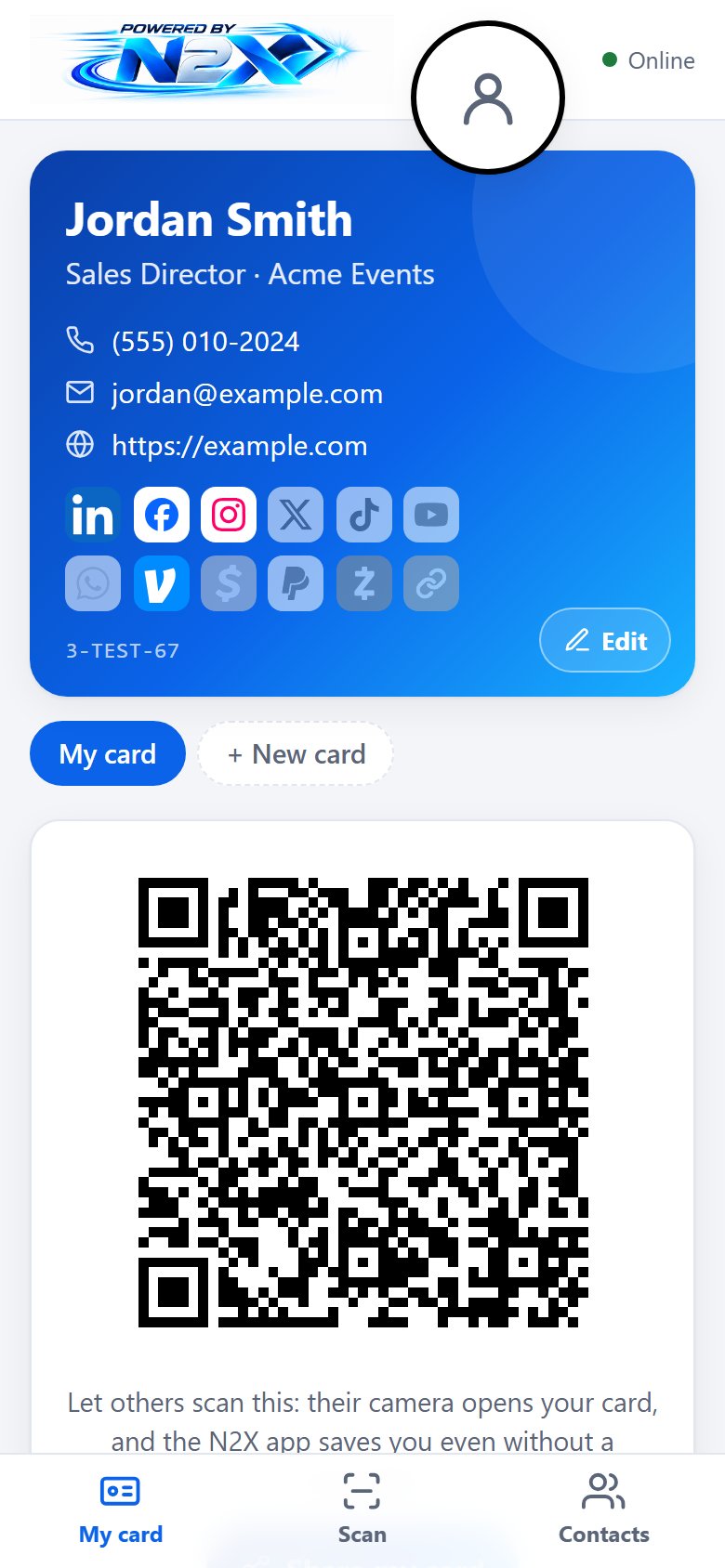
Your business card, on your phone
Share your card with a scan. Collect everyone you meet. Never run out of cards.
- Share with a scan. Others scan your QR code with their camera and get your card, no app needed.
- Your links and photo. LinkedIn, Facebook, Instagram, X, TikTok, YouTube, WhatsApp, Venmo, Cash App, PayPal, Zelle and your website, with each company's own icon.
- Collect contacts with notes. Scan a badge, a phone or any contact QR, add a note and a photo, and add them to your phone's contacts.
- Saved to your account. A new phone gets everything back when you sign in.
- Bring your contacts with you. Load the contacts already on your phone, and save anyone you meet to your phone's contacts. How
- More than one card. Work, personal, side business: swipe between them.
- Works offline. Scan at a busy event and it catches up later.
- See who's interested. How often your links were opened (never who).
- Your own logo. The business card puts your company's logo at the top in place of N2X's.
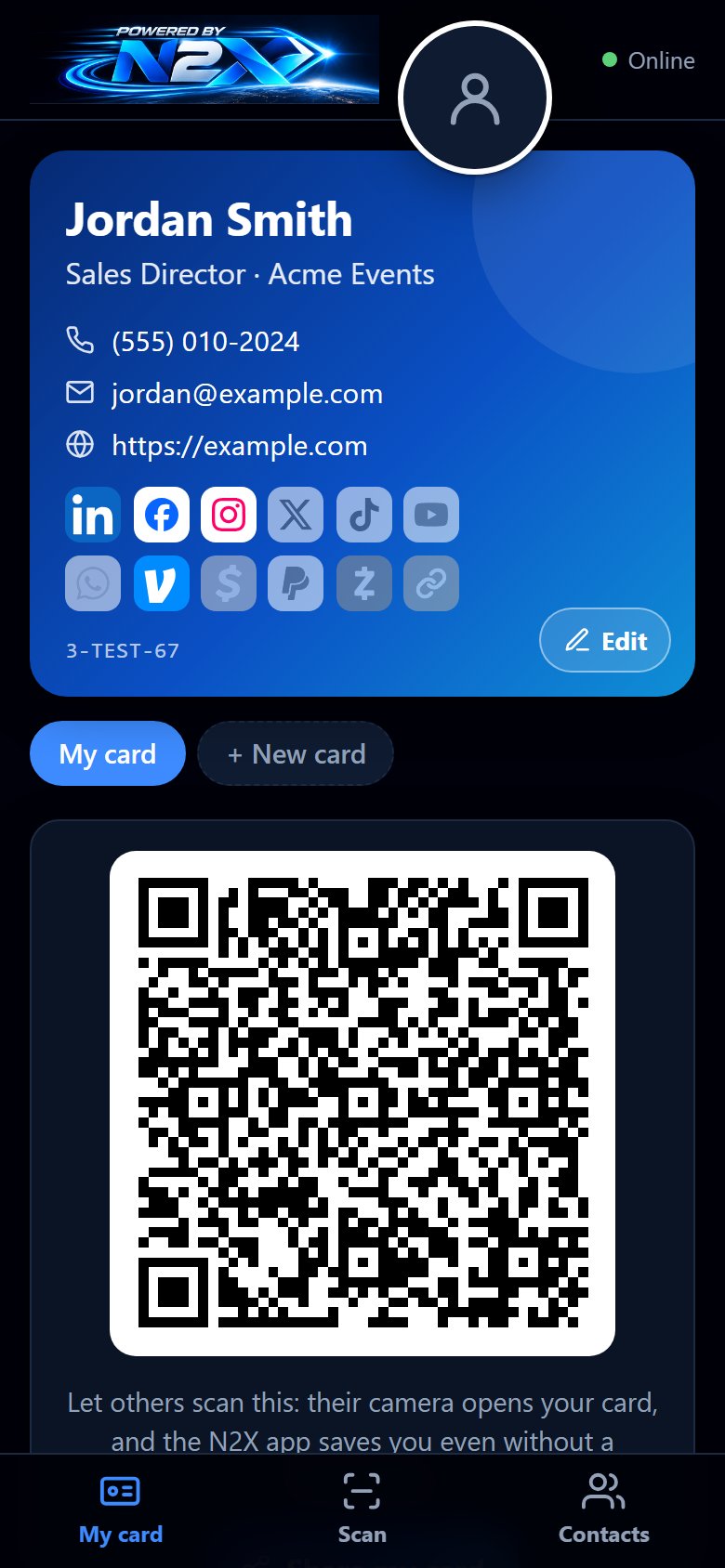
- Light or dark, iPhone and Android, nothing to install.
How it works
- Make your card.
Your name, photo and links, in a minute. - Show your QR.
They scan it with their camera. - Scan theirs.
Badges, phones and contact codes.
Your contacts, in and out
For everyone: attendees, vendors and organizers. Bring the contacts you already have into N2X Cards, and save the people you meet to your phone.
Bring your contacts in
Your phone saves contacts as a contact file (.vcf). In N2X Cards, open Contacts, tap Choose a contact file and pick it. They are saved to your account with everyone you meet.
On iPhone
- Open the Contacts app and tap Lists.
- Touch and hold a list, such as All Contacts, then tap Export and Save to Files. (For one person: open them, tap Share Contact, then Save to Files.)
- In N2X Cards, open Contacts, tap Choose a contact file, and pick the file you saved.
On Android
- In N2X Cards, open Contacts and tap Pick from my contacts to choose people straight from your phone.
- Or, for everyone at once: in the Contacts app, open Fix & manage (or Settings) and tap Export to file.
- Then in N2X Cards, tap Choose a contact file and pick it (often in Downloads).
Save them to your phone
Everyone you meet can go into your phone's own contacts, with the notes you wrote.
One person
- In N2X Cards, open Contacts and tap the person.
- Tap Add to phone contacts, then save them in your phone's Contacts.
Everyone at once
- In N2X Cards, open Contacts and tap Download all as contacts.
- Open the file: iPhone offers Add All Contacts; Android adds them to your Contacts.
Free to start. Extra cards and the business card with your logo are available as paid options.
Events Available
Trade shows, corporate events, team building and workshops
Fast check-in, lead capture for every booth, and games and prizes that bring people to the floor, all in one app on everyone's phone.
- For organizers: check-in, badges, schedule and reminders, games, prize drawings, voting and screens for the room.
- For vendors and stations: lead capture with your own questions, booth phones for each salesperson, and feedback.
- For attendees: their own N2X card, the schedule, vendors, games and prizes in one app.
QR links Available
Print once. Change where it goes any time.
Every N2X code is dynamic: the printed code never changes, but where it sends people can, so you never reprint.
Works with the software you already use
Some apps read the code straight from the link, like Inflatable Office:
n2x.me/?lid=…N2X keeps the format your software expects and sends each scan to the right place. Short links for everything else are next:
go.n2x.me/K7M3QAdvertising Available
Reach people at events, on their phones.
Your ad appears in the N2X Cards app during events, with a "Learn more" link, and you see how often it was opened. Ads by location are coming soon.
What's next
We're building these now
Tell us which you want, and we'll let you know when it's ready.
- Short links on go.n2x.me, and QR codes for websites, Wi-Fi, Google reviews, menus, PDFs, images, video, social media, WhatsApp, phone, text and email, locations, events, app downloads, business pages, landing pages, text and forms.
- Bulk codes from a spreadsheet, scan counts (never who), smart routing by location, time or phone, password protection and expiry dates.
- NFC tags and cards: tap instead of scan.
- QR pages: landing pages, menus, product information, coupons, feedback and surveys, lead forms.
- QR labels: design strap labels, rack labels and asset tags online, with your graphics, text and codes; fill them from a spreadsheet; download them or have N2X print them.
- Business tools: inventory and asset tags, equipment manuals, maintenance records, warranty registration, work orders, employee ID.
- Trucking: drivers and the office connected, with a directory and driver sign-up.
- Later: codes in your colors with your logo, your own domain, white label, and connections to your other software.